
1. Why This Matters
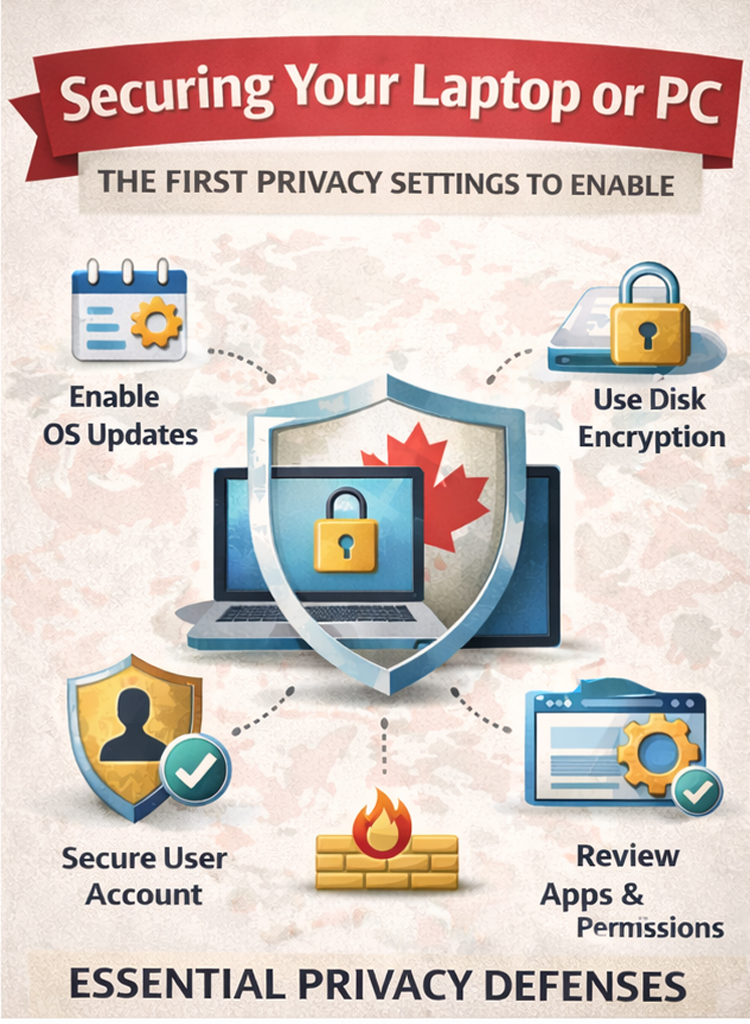
A poorly secured computer doesn’t just risk malware infections. It can quietly leak personal data through outdated software, weak account protection, or overly permissive apps. Many major breaches and identity theft cases begin with a compromised personal device—not sophisticated hacking.
2. Keep Your Operating System Updated
Operating system updates are not optional.
- Enable automatic updates on Windows, macOS, or Linux
- Restart promptly when updates are installed
Updates often patch known security vulnerabilities that are actively exploited. Delaying them leaves your system exposed.
3. Secure Your User Account
Your login is your first line of defense.
- Use a strong, unique password
- Enable full-disk encryption (BitLocker on Windows, FileVault on macOS)
- Use a standard user account for daily use, not an administrator account
Disk encryption ensures that if your device is lost or stolen, the data remains inaccessible.
4. Enable and Check Your Firewall
Firewalls block unauthorized connections.
- Confirm the built-in firewall is enabled
- Avoid installing multiple firewalls at once
For most users, the default firewall is sufficient when properly enabled.
5. Choose a Privacy-Respecting Browser
Your browser sees almost everything you do online.
- Prefer browsers with built-in tracking protection
- Disable unnecessary extensions
- Review site permissions regularly
The browser is often the largest source of data leakage on a computer.
6. Review App Permissions and Remove What You Don’t Use
Installed software can access more than you think.
- Remove unused applications
- Review camera, microphone, and file access permissions
- Be cautious with “free” utilities
Fewer apps mean fewer risks.
Quick Checklist
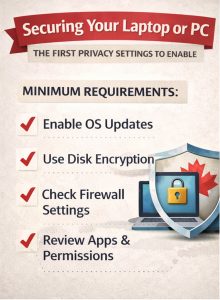
- OS updates enabled
- Disk encryption on
- Firewall active
- Secure user account
- Privacy-focused browser
- Unnecessary apps removed