
For many people, online privacy feels complicated—or worse, inconvenient. The idea of switching tools, breaking habits, or learning new technical concepts is often enough to make people give up before they start. That’s where the DuckDuckGo browser stands out. It offers meaningful privacy improvements without asking users to change how they use the internet.
DuckDuckGo began as a privacy-focused search engine in 2008, built around a simple promise: don’t track users and don’t collect personal data. Over time, that philosophy expanded into a full browser available on mobile and desktop, designed to reduce online tracking by default—without requiring extensions, add-ons, or advanced configuration.
What DuckDuckGo Actually Does
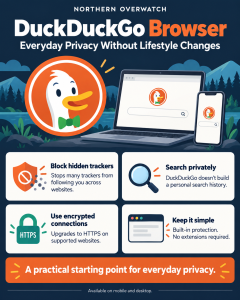
At a basic level, DuckDuckGo blocks hidden trackers that follow users from site to site. These trackers are often invisible and embedded into websites, quietly building profiles about browsing habits, interests, and behavior. DuckDuckGo stops many of them automatically, without users needing to understand how tracking works in the first place.
The browser also enforces encrypted connections whenever possible. If a website supports a secure (HTTPS) version, DuckDuckGo will use it by default. This helps protect data from being intercepted, especially on public or shared networks.
One of DuckDuckGo’s most useful features is its Privacy Grade system. When visiting a website, the browser shows a simple letter grade (A to F) based on how aggressively that site tracks users. This turns abstract privacy risks into something people can actually understand—without overwhelming them.
Search Without the Surveillance
DuckDuckGo search does not track users, store search histories, or create personal profiles. This is a major departure from mainstream search engines, which often use search activity to fuel advertising systems. With DuckDuckGo, the results are based on the search itself—not on who you are or what you searched for yesterday.
For most everyday searches—news, shopping, research, directions—the results are more than adequate. In some cases, users may notice slightly less personalization, but that’s also the point. You’re seeing results based on relevance, not profiling.
Minimal Friction, Maximum Accessibility
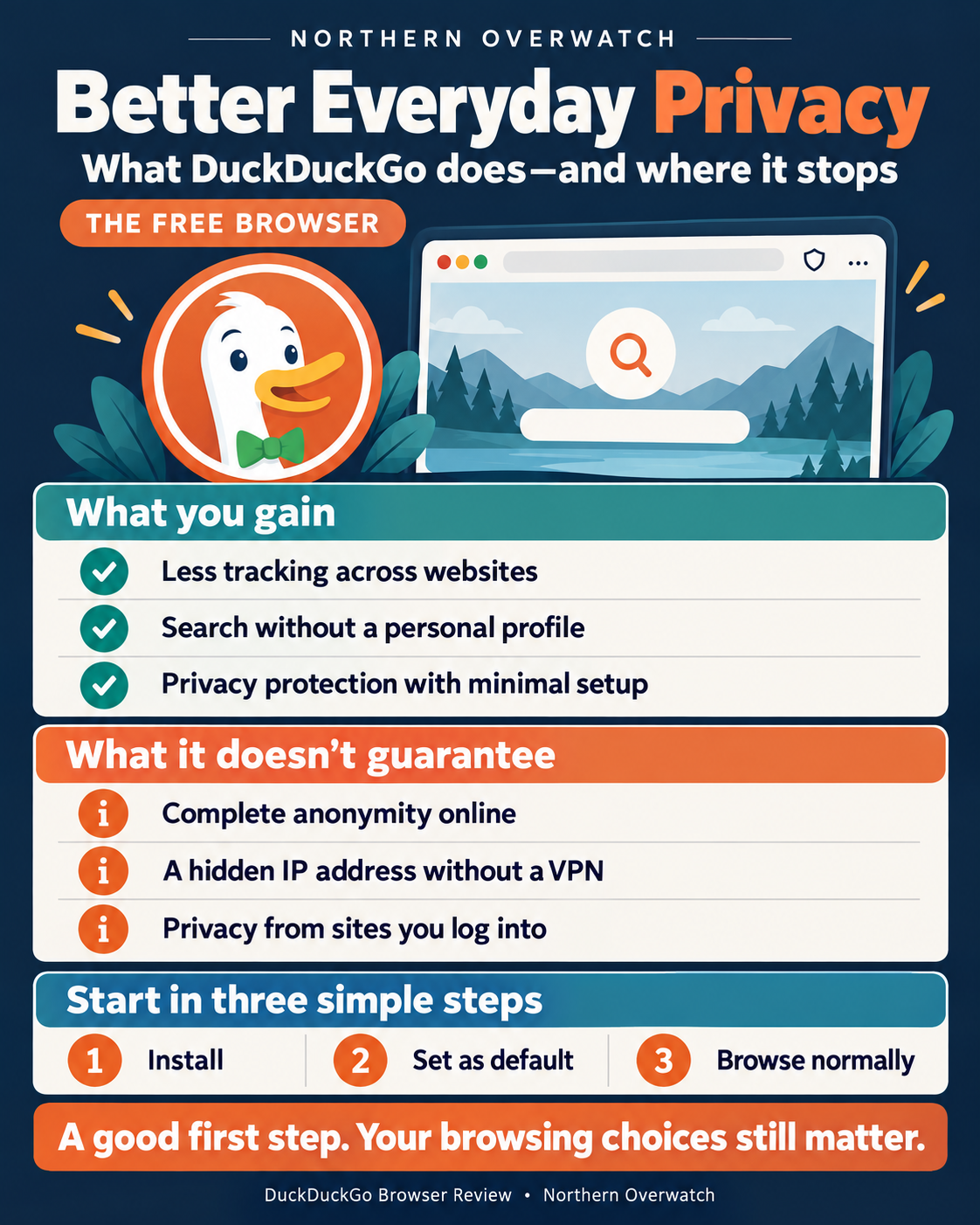
One of DuckDuckGo’s biggest strengths is how little effort it requires. There’s no account to create. No settings that demand technical knowledge. No constant prompts to tweak privacy controls. Install it, set it as your default browser if you want, and use it like any other browser.
This makes it especially appealing for people who want better privacy but don’t want to overhaul their digital life. It also makes DuckDuckGo an excellent recommendation for friends, family members, or less technical users who would never install custom browser extensions or read privacy guides.
Where DuckDuckGo Has Limits
DuckDuckGo is not a replacement for advanced tools like VPNs or hardened browsers such as Tor. It doesn’t make users anonymous, and it doesn’t protect against all forms of online tracking. Websites can still identify users through logins, cookies they choose to accept, or behavior tied to accounts.
That said, DuckDuckGo doesn’t pretend to be something it’s not. It’s designed for everyday privacy, not high-risk scenarios. And for most people, that’s exactly the right level.
Bottom Line
DuckDuckGo succeeds because it respects users’ time and habits. It improves privacy without demanding technical knowledge, constant attention, or lifestyle changes. You don’t need to become a privacy expert to benefit from it—you just need to use it.
Recommendation:
An excellent starting point for anyone who wants better online privacy with almost zero friction. Install it once, and it quietly does the rest.